What Is Twitch and What Is It Used For?
Twitch is a prominent live-streaming platform launched in 2011 and currently owned by Amazon. Initially created as a space primarily focused on gaming content, it has expanded its reach significantly over the years. Today, Twitch hosts a diverse array of content, catering not only to gamers but also to a wide range of audiences interested in various forms of entertainment.
On Twitch, users can find streams dedicated to a myriad of topics, including music, art, cooking, sports commentary, and talk shows. This diversity of content is one of Twitch’s hallmark features, allowing creators from various fields to showcase their talents and share their passions with a live audience. The platform has carved out a niche that appeals to enthusiasts beyond just gaming, creating a vibrant atmosphere for learning and engagement.
The interactive nature of Twitch is another critical aspect that sets it apart from traditional media. Unlike pre-recorded shows, Twitch allows viewers to engage with streamers in real time through live chat. This interaction fosters a sense of community, where viewers can ask questions, participate in discussions, and even influence the stream’s direction. Additionally, features such as polls and donations further enhance viewer involvement, creating a dynamic environment that thrives on audience participation.
Finding out how to use Twitch serves as a significant platform for those looking to connect over shared interests, learn new skills, or simply enjoy live content in an interactive setting. Its continuous evolution reflects changing trends in media consumption and community engagement, making it a crucial player in today’s digital landscape.
How Does Twitch Live Streaming Work?
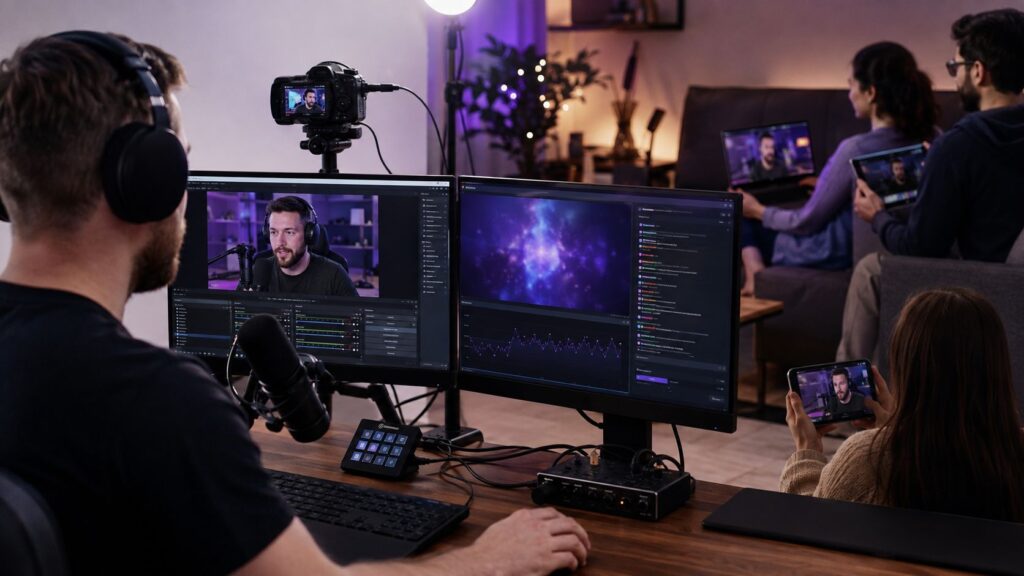
Twitch operates as a live-streaming platform primarily focused on video game content, but it has expanded to include a wide range of broadcasts, such as creative arts, music performances, and “in real life” (IRL) streams. At its core, Twitch’s functionality hinges on the real-time transmission of audio and video data over the internet. When a streamer initiates a broadcast, they use encoding software or hardware to compress video input and prepare it for transmission. This encoding process is vital as it ensures that the stream can be delivered efficiently to viewers without excessive lag or buffering.
Once the stream is encoded, it is sent to Twitch’s servers, which act as intermediaries, distributing the live content to all viewers connected to that particular stream. This is made possible by a robust internet connection with sufficient bandwidth, necessary for high-quality streaming. For viewers, accessing a stream is as simple as selecting a channel on Twitch. The platform offers choices for resolution and quality settings to accommodate varying internet speeds, enhancing accessibility for users with different connection speeds.
Twitch supports a myriad of content types, categorized into different genres such as gaming, music, talk shows, and more. This categorization helps users discover streams that align with their interests. An integral aspect of Twitch’s functionality is its interactive chat feature, which allows viewers to communicate in real-time with streamers and other viewers. This engagement fosters a sense of community and connection, making the viewing experience more immersive.
In addition to live interactions, Twitch incorporates various technologies to enhance user experience, including low-latency streaming protocols and high-definition broadcasts. These features enable seamless viewer interactions during live events, contributing to the platform’s popularity by combining entertainment with social connection. The broad array of supported content, paired with interactive viewer capabilities, solidifies Twitch’s status as a leader in online streaming environments.
How to Create a Twitch Account
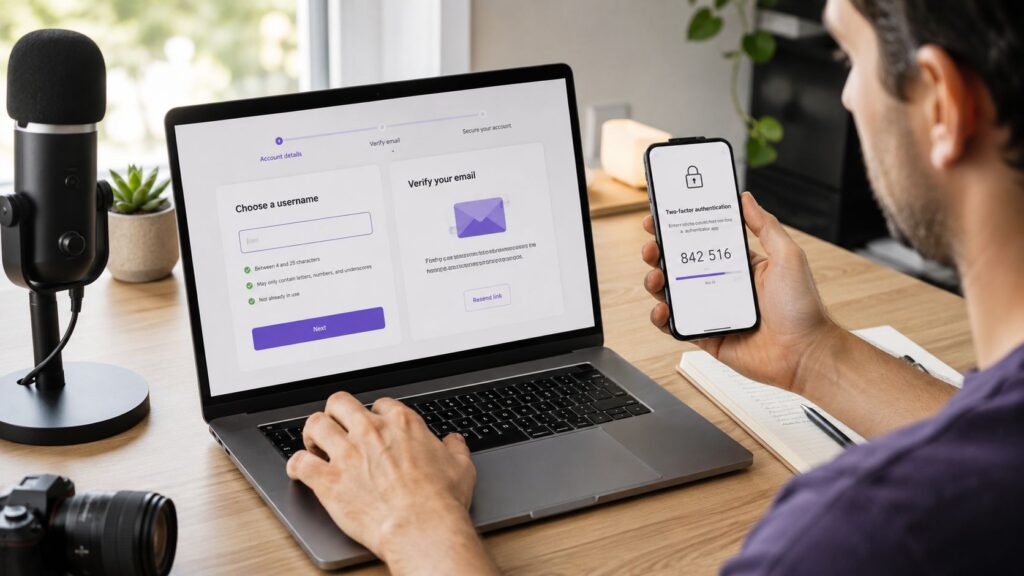
To start your journey on Twitch, the first step is to create a Twitch account. This process is straightforward and only takes a few minutes to complete. Begin by visiting the Twitch website or downloading the Twitch app on your mobile device. Once on the site or app, you will see an option to sign up for a new account.
Click on the “Sign Up” button. You will be prompted to enter several details, including your desired username, password, and email address. It is crucial to choose a username that reflects your identity or brand; it will represent you on the platform and be visible to others. Ensure that your password is strong and secure to prevent unauthorized access.
After entering your details, you may need to complete a CAPTCHA verification to confirm that you are not a bot. This step is essential to maintaining the platform’s integrity and ensuring a safe environment for all users. Following this, you will receive an email to verify your account. Click the link provided in the email to complete the registration process.
Once your account is verified, it is wise to configure your account settings. This includes setting your profile picture, bio, and any links to social media accounts you wish to share. Additionally, enable two-factor authentication (2FA) to enhance your account’s security. This feature requires you to input a code sent to your mobile device each time you log in from an unrecognized device, significantly reducing the risk of account theft.
By following these steps, you will successfully create a Twitch account. It is essential to keep your login information confidential and to regularly update your security settings to further protect your account and ensure a safe, enjoyable streaming experience.
How to Use the Twitch Interface
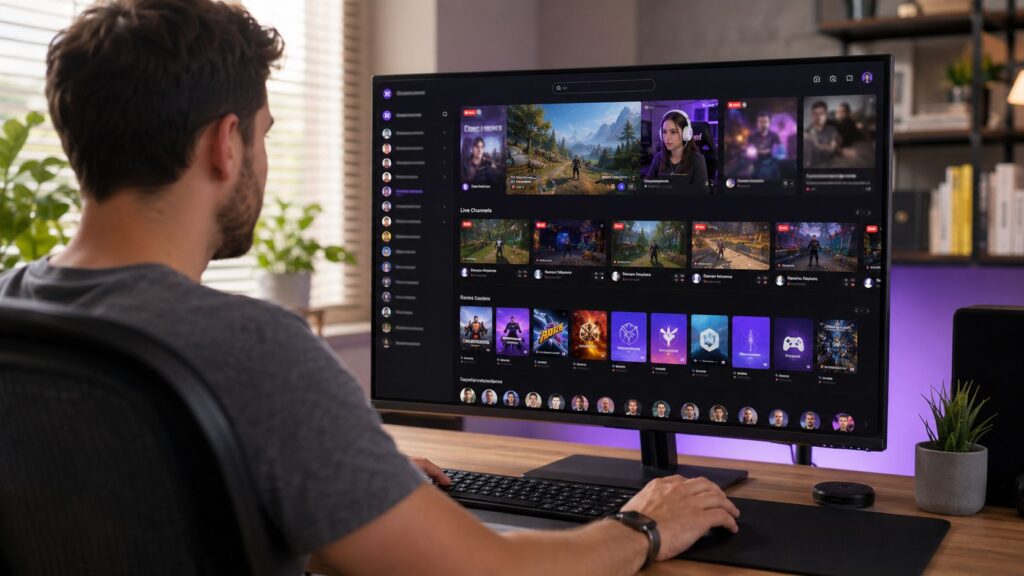
Understanding the layout of the Twitch interface is crucial for new users looking to enjoy the platform fully. Upon entering Twitch, users are greeted with the home page, which serves as the central hub for exploring content. The homepage displays a variety of live streams, popular categories, and recommendations tailored to individual interests.
One of the prominent features on the home page is the live streams section, where users can find broadcasts currently in progress. This section showcases popular channels and trending streams, allowing viewers to easily jump into live content. Each stream includes essential information, such as the stream title, the broadcaster’s name, and the viewer count, making it easy for users to select streams that catch their attention.
Adjacent to live streams are categories that compile games and other content types, enabling users to browse different genres effortlessly. These categories are further divided to help streamline the user experience. For example, users can find sections dedicated specifically to individual games, creative content, or esports, facilitating quick access to specific types of streams.
Moreover, users can navigate to channel pages for specific broadcasters. Each channel page features an organized layout with the broadcaster’s stream, a chat window for interaction, and a description outlining the content creator’s style and schedule. From the channel page, viewers can easily follow users, access past broadcasts, and engage with the community through chat and other interactive features.
Lastly, the community tab enhances user experience by exposing viewers to various social features such as followers, subscriptions, and related channels. By engaging with these community aspects, users can foster connections with both streamers and fellow viewers. In summary, understanding the Twitch interface layout, including the home page, channel pages, and browsing features, equips new users to navigate the platform effectively and find content that resonates with their interests.
How to Find and Watch Twitch Streams
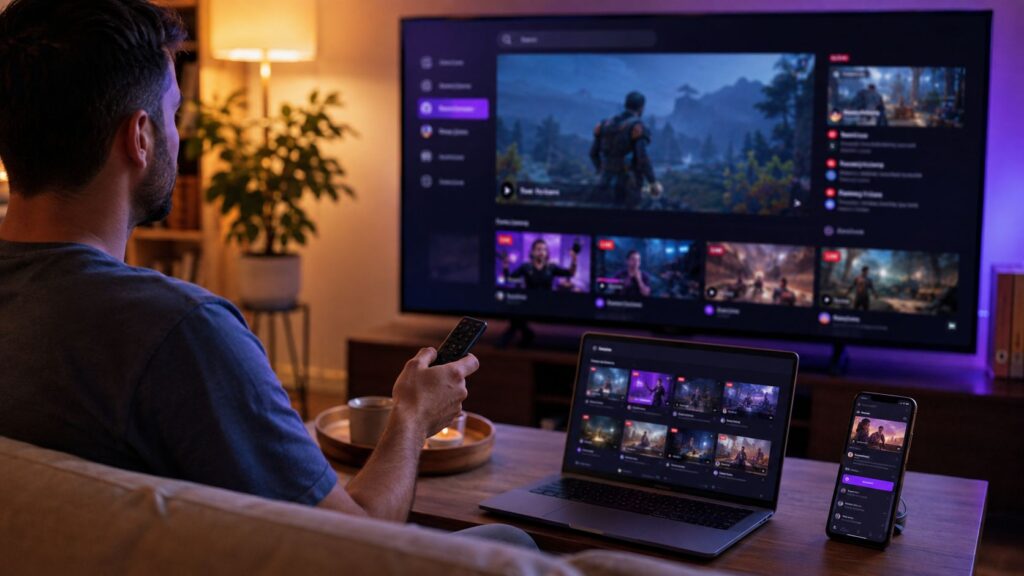
Discovering and enjoying live streams on Twitch is a straightforward yet engaging process for beginners. Upon entering the platform, users are greeted with a variety of streams organized by categories, including games, creative content, and more. To begin, you can simply browse the homepage where popular streams are highlighted, showcasing trending content that attracts a wide audience.
For those looking to filter content more specifically, Twitch provides several tools. One effective method is to utilize the category search feature. On the left sidebar, you can find a list of game categories. Clicking on a specific game allows you to view all live streams associated with that title. This is particularly useful for fans seeking targeted content or particular gameplay styles. Additionally, you can sort streams by different criteria, such as “Most Watched” or “Recently Live,” helping you find streams that fit your interests.
If you have specific streamers in mind, you can use the search bar at the top of the page to locate your favorite content creators directly. Once you find a streamer, you can click on their profile to view their live content, past streams, and other channel information.
To ensure you don’t miss any broadcasts from streamers you enjoy, it’s beneficial to follow them. By clicking the “Follow” button on their channel, you will receive notifications whenever they go live. This feature enhances your viewing experience by letting you keep up with your favorite content creators and engage with their communities in real time. Notifications can be managed in the settings, allowing you to tailor your experience to your preferences.
In conclusion, discovering and watching live streams on Twitch is an enjoyable experience that can be tailored to viewers’ interests and preferences. By using the platform’s filtering options and following favorite streamers, users can easily navigate the vast array of content available to them each day.
Engaging with Twitch Streamers and the Community
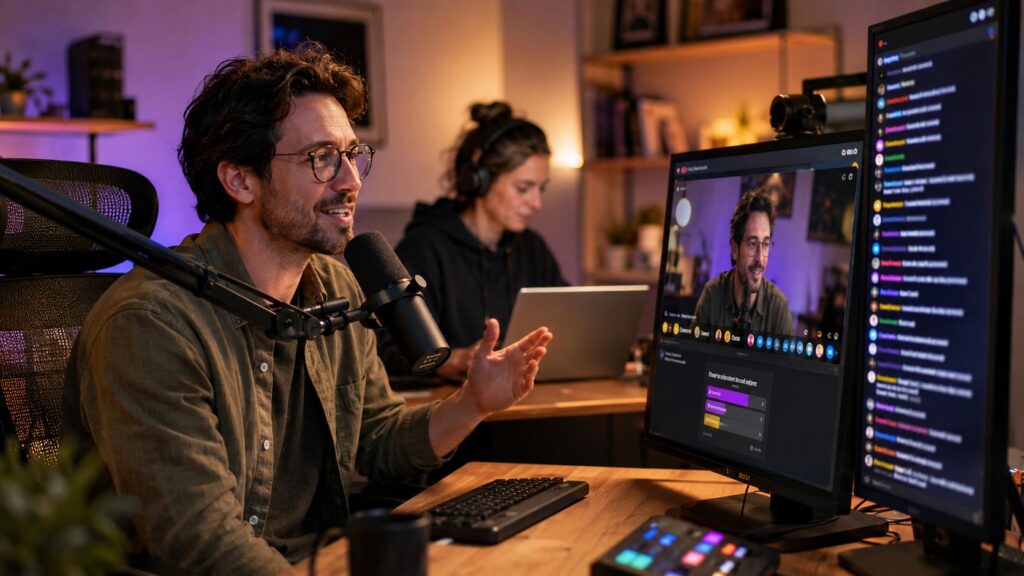
Interaction is a cornerstone of the Twitch experience, enabling viewers to communicate with streamers and fellow viewers in real-time. The most common form of interaction occurs through the live chat feature, where users can share their thoughts, reactions, and questions during a stream. Participating in chat not only enhances the viewing experience but also fosters a sense of community among followers.
To engage effectively in live chat, it is essential to adhere to certain etiquette guidelines. Good practice includes being respectful and kind to both the streamer and other viewers. Avoiding spam and off-topic conversations helps maintain an inviting and focused environment for everyone involved. Furthermore, using appropriate language and refraining from trolling contribute to a positive community atmosphere.
Alongside live chat, Twitch offers various social features that enhance viewer interaction. For example, subscribing to a channel allows viewers to support their favorite streamers, often resulting in perks such as exclusive emotes and ad-free streaming. Additionally, followers can enable notifications to receive alerts when a streamer goes live, ensuring they don’t miss any content.
Another interactive feature is the use of polls and predictions, which streamers often incorporate into their broadcasts. This feature allows viewers to engage by voting on certain outcomes or answering questions posed by the streamer, adding an element of fun and unpredictability to the streaming experience.
Ultimately, engaging with streamers and the broader community is what sets Twitch apart from other platforms. By actively participating in chat and using various social features, viewers can build connections and contribute to Twitch’s vibrant culture. Building these relationships not only enhances individual viewing experiences but also strengthens the community as a whole.
Twitch Creator Tools for New Streamers
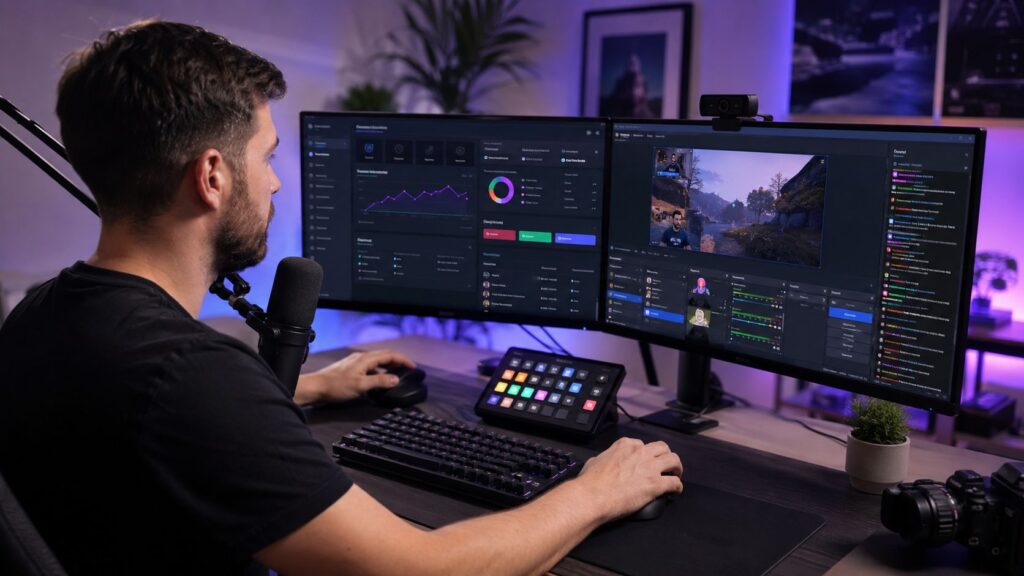
Twitch offers a variety of tools designed to help new creators optimize their streaming experience and enhance viewer engagement. One of the primary resources available is the Twitch dashboard, a central hub where streamers can manage their channels, monitor performance analytics, and interact with their audience in real-time. This dashboard provides insights into viewer demographics, engagement metrics, and stream statistics, enabling creators to refine their content and tailor their streams to their audience’s preferences.
Another essential component for Twitch streamers is the ability to customize their channel with panels. These panels serve as a direct extension of the streamer’s brand and allow for the inclusion of information such as stream schedules, social media links, donation options, and other relevant details. By effectively using these panels, new streamers can provide vital information to their viewers and create a visually appealing channel layout that encourages deeper engagement.
In addition to the dashboard and panels, Twitch also equips streamers with tools for managing live broadcasts. This includes options for stream layouts, alerts for new followers or donations, and integration with third-party software that enhances the streaming experience. New creators can utilize these features to enhance their live streams, making them more interactive and enjoyable for viewers. By incorporating elements such as engaging overlays and alerts, streamers can not only maintain viewer interest but also foster a sense of community within their channels.
Overall, leveraging the various creator tools available on Twitch empowers new streamers to deliver a richer viewing experience and cultivate meaningful connections with their audience. Understanding how to navigate these tools is essential for any aspiring content creator aiming to succeed on the platform.
How to Start Streaming on Twitch – Tips
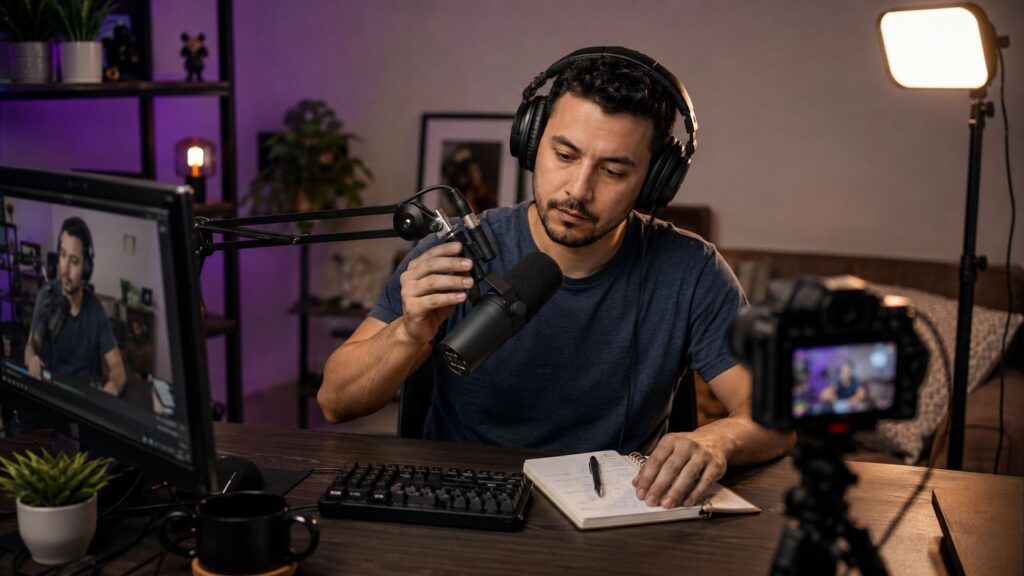
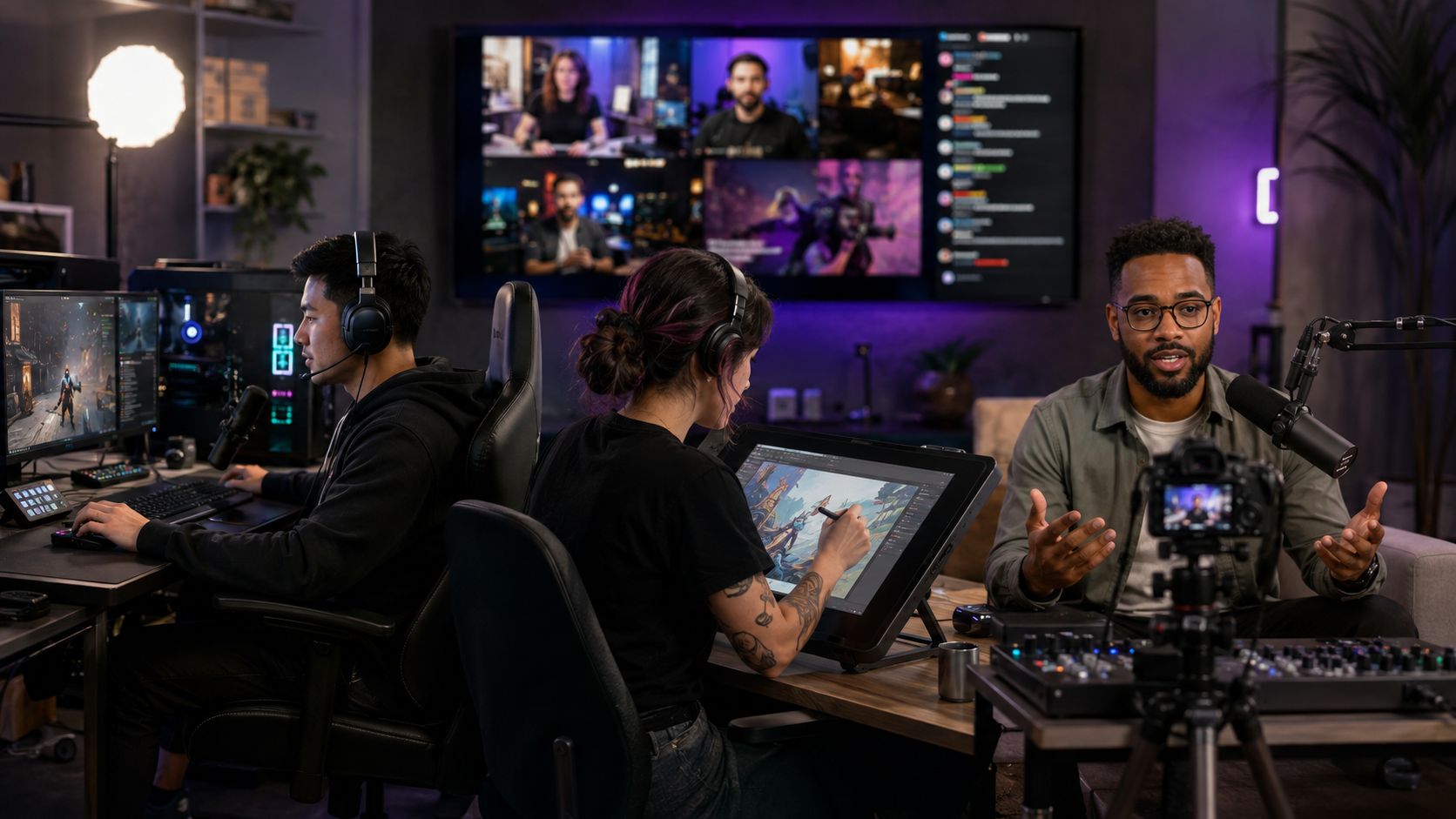
Starting your journey on Twitch can be both exhilarating and daunting, especially for beginners. To enhance your streaming experience, consider these essential tips. One of the first steps is to ensure that your streaming setup is adequate. Invest in quality equipment, including a high-definition camera, good microphones, and a powerful computer capable of handling gaming and streaming simultaneously. High production quality is crucial for maintaining viewer interest and achieving a professional appearance.
Choosing the right content niche is also vital. Focus on what you are passionate about and what skills you possess. Experiment with various games or genres until you find your sweet spot, as this authenticity can resonate with viewers. Popular niches include gameplay streams, tutorials, and creative content, but it’s essential to bring your unique perspective to attract an audience. Engaging content not only captures attention but also encourages viewer interaction.
Engagement with your audience should be a top priority. Utilize chat to communicate with viewers, asking questions or responding to their comments in real-time. Building a community where viewers feel valued can help your channel grow. Incorporate viewer feedback and suggestions into your streams to foster interaction and loyalty. Additionally, consider using social media platforms to promote your streams and connect with your audience outside of Twitch.
Maintaining a consistent streaming schedule is another best practice for beginners. Establish a regular time for your streams so your audience knows when to tune in. Consistency can lead to increased viewer retention and a dedicated follower base. As you develop your channel, remain adaptable and willing to refine your approach based on audience reactions and personal preferences.
By focusing on quality production, engaging with viewers, and maintaining a steady streaming schedule, you will enhance your Twitch experience and pave the way for success.
Monetizing Your Twitch Channel
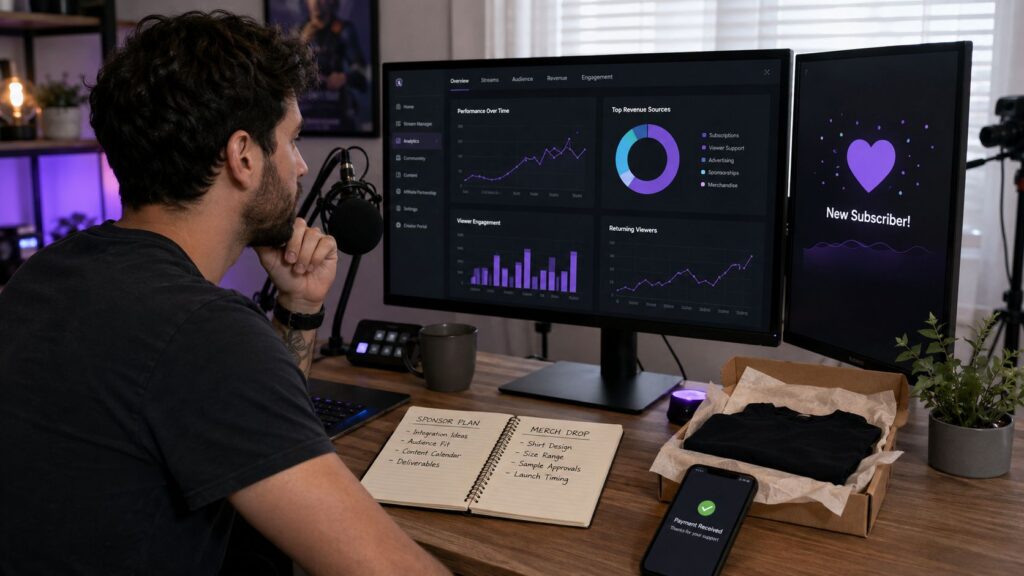
Monetization is a vital aspect for creators on Twitch, providing avenues for earning income while engaging with their audience. There are various methods for Twitch streamers to monetize their content, including subscriptions, donations, and sponsorships. Understanding these opportunities can significantly enhance a creator’s revenue potential.
One of the primary ways to earn money on Twitch is through subscriptions. Twitch offers viewers the option to subscribe to their favorite channels for a monthly fee, with creators receiving a portion of that fee. For streamers to become eligible for subscriptions, they need to be part of the Twitch Affiliate program. Achieving this status involves meeting specific requirements, such as streaming for a minimum number of days, accumulating a certain number of followers, and maintaining a specific average view count. The Twitch Affiliate program acts as a gateway to monetization, allowing streamers to earn income while providing their audience with added value.
For those who progress to the Twitch Partner program, the monetization opportunities expand even further. Partners enjoy additional benefits, including a higher revenue share from subscriptions, exclusive emotes, and advanced features for their channels. This distinction not only boosts the earning potential but also enhances the creator’s credibility within the Twitch community.
Another vital income stream on Twitch is donations, through which viewers can financially support streamers directly. Platforms like Streamlabs and PayPal facilitate this process by allowing creators to set up donation buttons on their channels. Engaging viewers through compelling content is key, as a strong connection can encourage them to contribute financially.
Sponsorships also represent a lucrative monetization strategy. For successful Twitch creators, collaborating with brands can lead to substantial financial gains, as companies seek to reach their target audience through sponsored content. Streamers should promote products or services that resonate with their audience, ensuring authenticity and fostering trust.
To maximize earnings, streamers need to focus on building a strong community and consistently engaging with their audience. Implementing strategies such as exclusive content for subscribers, interactive streams, and maintaining a regular streaming schedule can enhance viewer loyalty, increasing the likelihood of support through subscriptions, donations, and partnerships.