
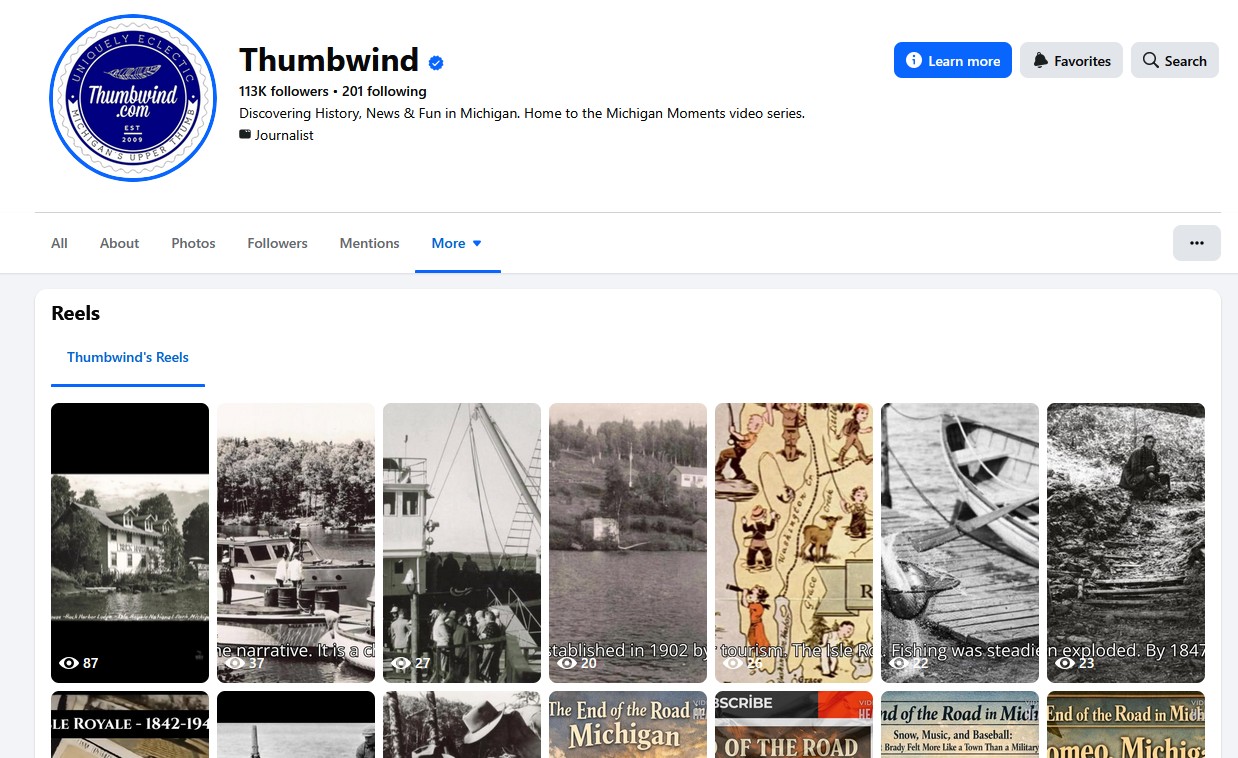
Searching for a Facebook video on a page can sometimes feel overwhelming, especially with the vast amount of content available. Whether you’re looking for a specific clip, a reel, or just browsing videos, this guide will help you navigate Facebook with ease.
How to Find a Video on a Facebook Page
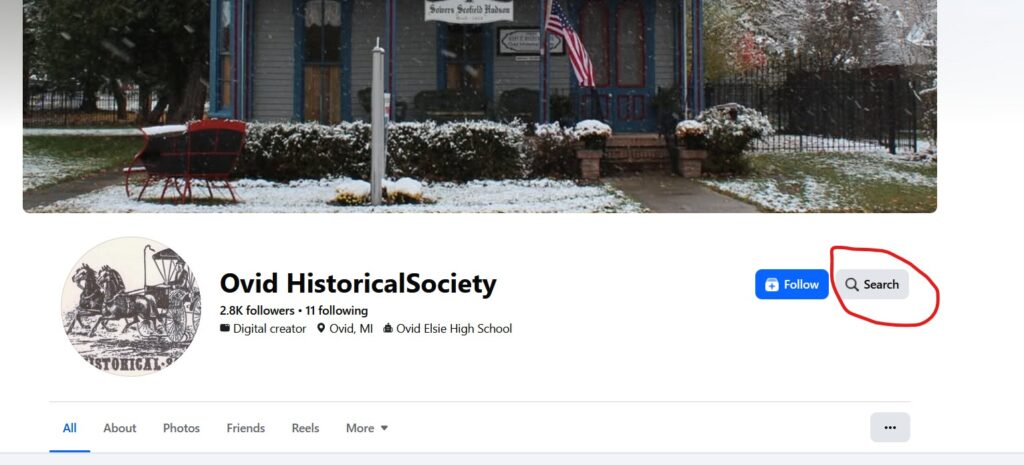
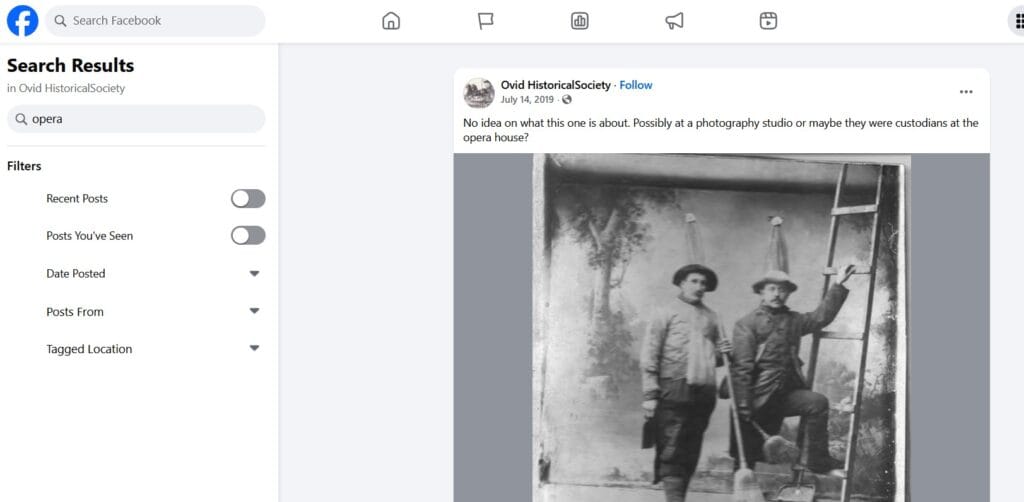
To find a video on a Facebook page, start by visiting the official page where you believe the video is located. Click on the search button and enter the name of the subject, town, or part of the title of the video. A new search page will display the results.
Or once you’re on the page, look for the “Videos” tab. This section compiles all uploaded videos, making it convenient to browse through them. If you’re searching for a specific video, you can scroll through until you find the desired content.
Searching for Reels on Facebook
In case you want to find a reel on a Facebook page, the process is quite similar. First, ensure that the page you’re exploring is known for sharing reels. Once you’re there, head over to the “Reels” tab if available. This will display all the reels shared by the page. Remember, not all pages post reels, so your experience may vary based on the content type shared.
Using the Search Functionality
If you’re unsure where to start, simply use the search bar at the top of your Facebook page. Type in the keywords related to the video you wish to find. Include the page name and any other specific detail that can narrow down your results. Once you see potential matches, click on them to explore the videos in full.
By following these steps, you’ll be able to effectively search for a Facebook video on a page. Happy browsing!
